Visual Attributed String version 2.3 has been released on the Mac App Store.
What's New?
-Added support for Dark Mode on macOS Mojave.
-Updated generated Swift code for Xcode 10.
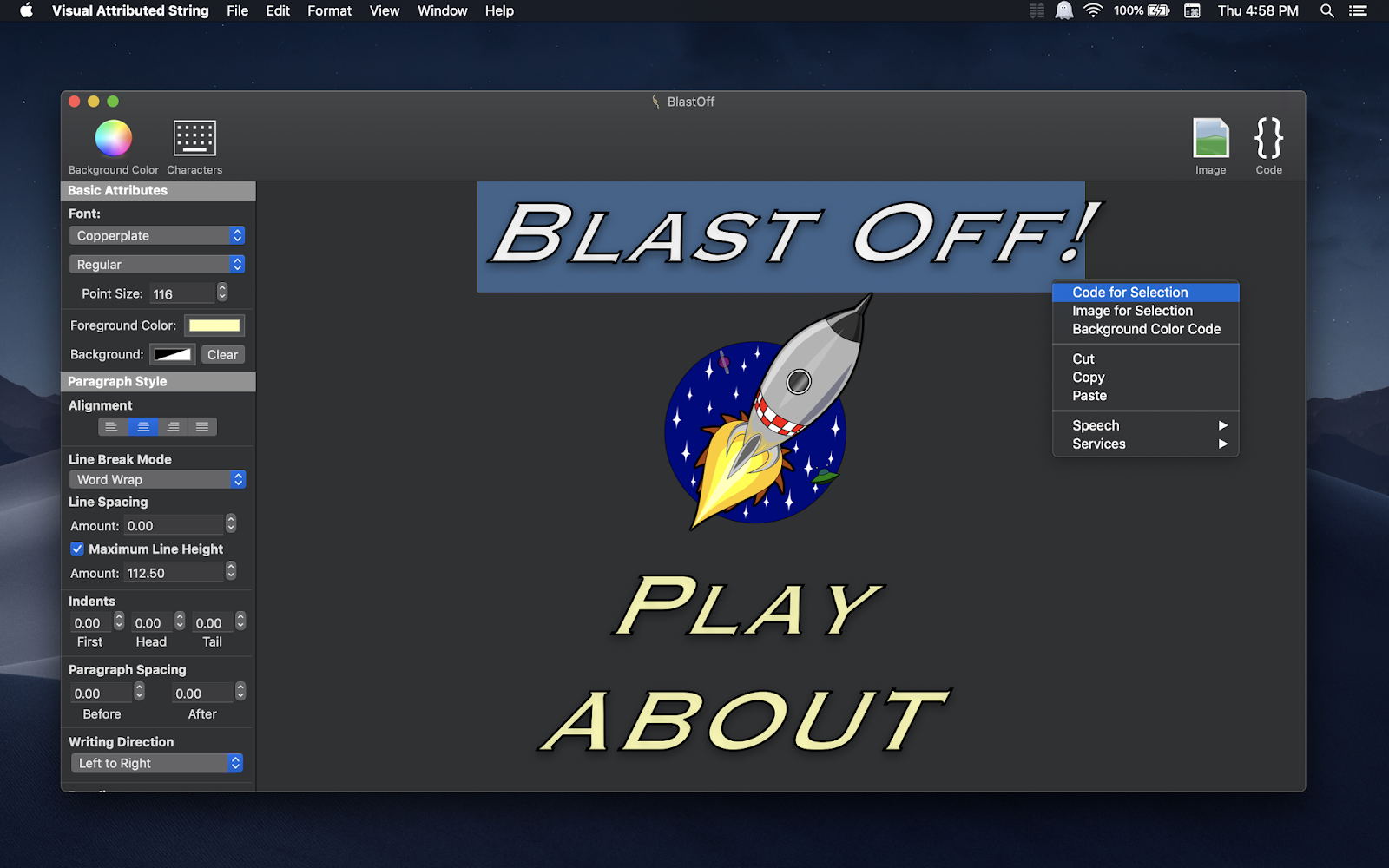


Visual Attributed String version 2.3 has been released on the Mac App Store.
What's New?
-Added support for Dark Mode on macOS Mojave.
-Updated generated Swift code for Xcode 10.
Visual Attributed version 2.1 has been released on the Mac App Store.
What's New?
-You can have Visual Attributed String automatically calculate and set UILabel's numberOfLines property in the generated code. By default this feature is off but can be turned on in Settings.
Visual Attributed String version 1.6 update has been pushed to the Mac App Store. What's new? The "Font Loading" window shown on application launch has been removed. You no longer have to wait for fonts to load after launching Visual Attributed String.

Visual Attributed String version 1.5 has been released on the Mac App Store. In this update, iCloud and Quicklook support has been added!
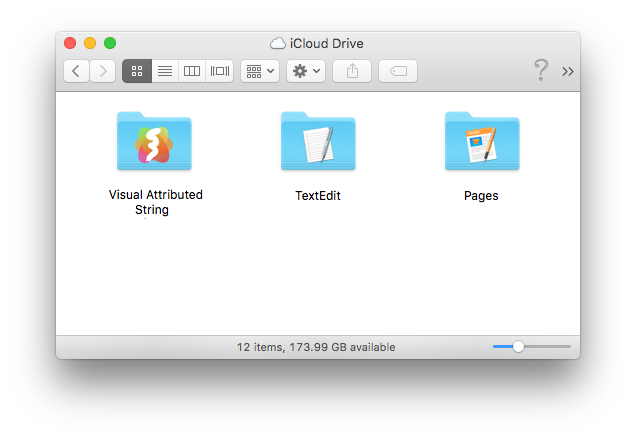
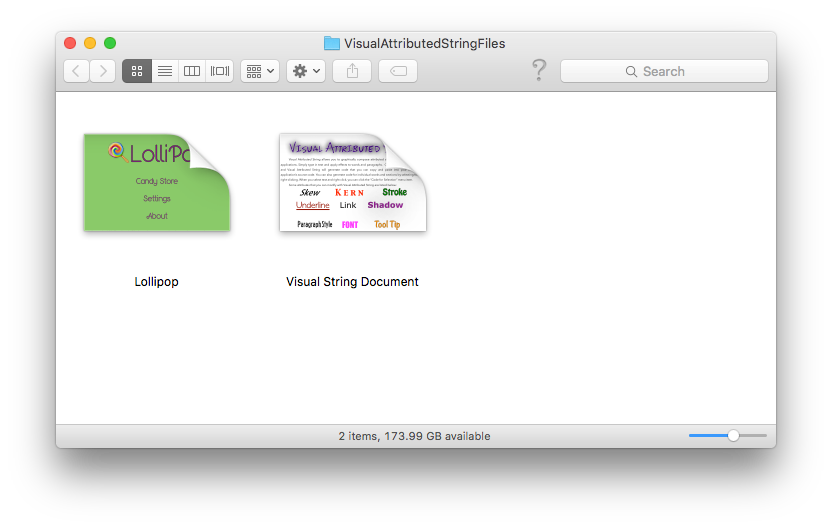
Visual Attributed String version 1.4.1 has been released on the Mac App Store! In this update, I have added a preferences window. You can now adjust the following preferences when embedding an attributed string in a label:
*Add commented out position code (by default this is on, you can turn this off in preferences). *Assume View Controller's view as superview (by default this is on, you can turn this off in preferences).
The version 1.4.1 update has also added a preference allowing you to automatically show the welcome window on application launch (by default this preference is on).

Today Visual Attributed String version 1.4 was released on the Mac App Store. What's new? Label Maker™! Label Maker™ is a great new tool built in to Visual Attributed String. Now when you generate attributed string code, you will see a checkbox that says "embed in label" in the user interface, as seen in the screenshot below:

When you mark the checkbox, you can now have Visual Attributed String generate the code to use the attributed string in a label (hence the name, Label Maker™). Of course, code to create a UILabel will be generated for iOS and for OS X it will generate code for a NSTextField.
More features are coming so stay tuned! If you haven't purchased Visual Attributed String yet you can get it now on the Mac App Store here.
Since the initial release of Visual Attributed String, I have pushed a significant update out every single week. Version 1.1 gave you the ability to generate attributed string code with your own variable names, version 1.2 added the Visual Attributed String Action Extension, and now Version 1.3 adds baseline support! NSBaselineOffsetAttributeName is now officially supported!
This new feature can be handy, especially when you are trying to align text next to an image on the y-axis (as seen in the screenshot below).

There are more features to come! If you have purchased Visual Attributed String from the Mac App Store and are enjoying the new updates, the best way you can show your support is to leave a review on the Mac App Store.
Version 1.2 of Visual Attributed String has been released on the Mac App Store! This update introduces the brand new Visual Attributed String action extension on OS X Yosemite! Check out the video to see this new feature in action!
Visual Attributed String version 1.1 has just been released on the Mac App Store! This update introduces a great new feature that allows you to generate attributed string code using your own variable names!
Visual Attributed String version 1.0 just came out (yesterday) and already I pushed a cool new update up to the Mac App Store. Version 1.1 of Visual Attributed String will allow you to generate attributed string code with your own unique variable names! You can use this feature when you generate code for an entire document or when you generate code for selected portions of text. So when you select a word and generate code for an attributed string you plan to use in a specific label or button, you will be able to give that attributed string variable a unique name that makes sense in your app. You won't have to manually rename the variable to avoid name clashes. Visual Attributed String is here to help, but it's still your code after all!

